
How to make your website secure, and what to do if it's hacked.
Website security for small businesses is five unglamorous things: SSL, updates, strong logins, tested backups and a plan for the bad day. All in plain English.
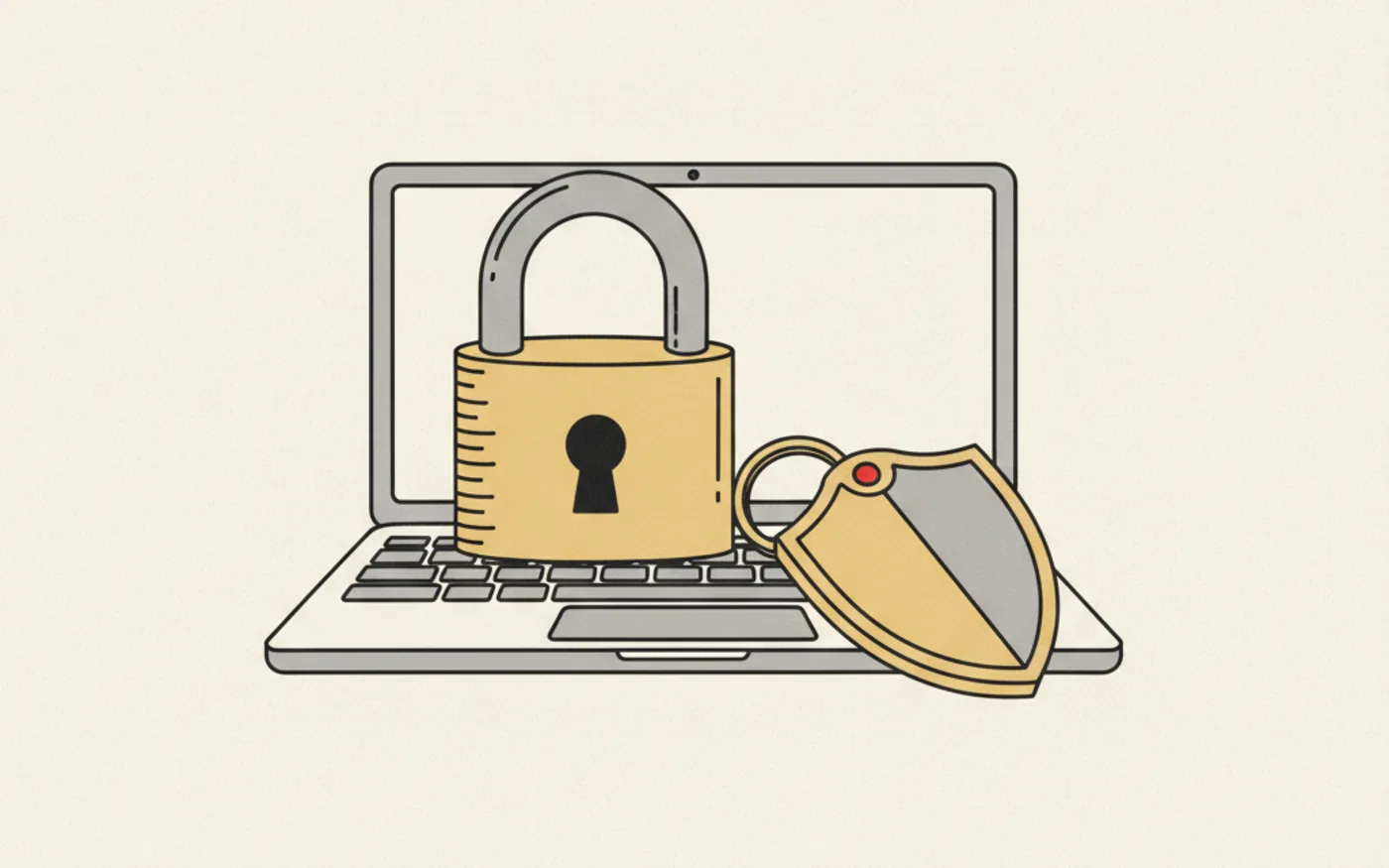
Making your website secure comes down to five unglamorous things: a padlock (SSL), software kept up to date, strong logins, real backups, and knowing exactly what to do the day something goes wrong. For most Welsh small businesses the honest news is better than the scare stories suggest: you are not being targeted by master criminals, you are being scanned by automated scripts looking for easy doors, and closing those doors is neither expensive nor complicated. Here is what actually matters, in plain English, and the calm step-by-step for the day you suspect you have been hacked.
Who actually attacks small business websites
Nobody sits in a dark room targeting a Neath plumber. What happens instead is industrial: automated scripts sweep the whole internet around the clock, testing every site they find for a handful of known weaknesses, out-of-date plugins, default passwords, unpatched software. When one door opens, the script walks in and puts the site to work: spam pages, phishing kits, malware for visitors, or a ransom note. It is nothing personal, which is precisely why the defence is simple: do not be the easy door on the street. The sites that get hit are overwhelmingly the ones nobody was looking after, which is why security and website maintenance are the same subject wearing two names.
The padlock: necessary, and nowhere near enough
The padlock in the browser bar (an SSL certificate) encrypts what passes between your visitor and your site, and without it modern browsers brand you "Not secure" in front of every customer. Every site we build ships with SSL as standard, renewed automatically so it never lapses. But be clear what the padlock is not: it is not proof a site is trustworthy or unhacked, it just means the connection is private. Treat it as the entry ticket to being taken seriously online, then keep going down this list.
Updates: where most hacks actually begin
The single commonest way small-business sites get compromised is out-of-date software, and in practice that means the WordPress ecosystem: a typical template site runs dozens of plugins, each with its own update schedule, and every unpatched one is a documented, published vulnerability with automated scripts hunting for it. If you run a WordPress site, updates are not housekeeping, they are the defence, weekly at minimum, with someone checking nothing broke.
Our own answer is structural rather than diligent: the sites we build are custom-coded with no plugin stack at all, which removes the attack surface where most breaches start rather than patching it faster. The £39 +VAT monthly plan then carries the platform updates, SSL and daily backups, so the boring defences run without anyone having to remember them.
Logins and backups: the two-minute defences
Two habits close most of the remaining doors. First, logins: one strong, unique password per account (a password manager makes this effortless), two-factor authentication switched on for anything that offers it, and old staff accounts deleted the day someone leaves; most "hacks" of small businesses are simply a reused password that leaked somewhere else. Second, backups: daily, automatic, stored away from the site itself, and, the step everyone skips, tested. A backup nobody has ever restored is a hope, not a plan. Ours run daily as part of the plan, and restoring is our job, not yours.
Most hacked small-business websites were not broken into. They were walked into, through a door nobody had checked in a year.
What to do the day you think you have been hacked
If the site looks wrong, redirects somewhere strange, or Google flags it, work the list calmly and in order. First, tell whoever looks after the site immediately, minutes matter more than diagnosis. Second, change the passwords that touch it: hosting, admin, email, domain. Third, restore the most recent clean backup, which turns most disasters into an hour's inconvenience and is the moment those daily backups pay for themselves. Fourth, find and close the door it came through, usually an unpatched plugin or a leaked password, because restoring without fixing invites the script straight back. Fifth, check Google Search Console for security warnings and request a review once clean, so any "this site may be hacked" flag comes off your search results. And if customer data may have been exposed, UK GDPR gives you 72 hours to report a notifiable breach to the ICO, a legal step, not an optional one.
If there is no "whoever looks after the site" to ring, that absence is the actual vulnerability, and it costs less to fix than a single clean-up.
The honest priority list for a Welsh small business
| Priority | The defence | Effort |
|---|---|---|
| 1 | SSL in place and auto-renewing | None, if hosted properly |
| 2 | Software and plugins kept updated | Weekly, or structural with custom code |
| 3 | Unique passwords + two-factor | One afternoon, once |
| 4 | Daily off-site backups, tested | None, if on a proper plan |
| 5 | Someone accountable to call | The £39 a month question |
What deliberately is not on the list: expensive security suites, penetration tests and enterprise firewalls. Those exist for banks and big targets. A small business that has the five rows above genuinely covered has closed the doors the automated scripts actually try, and additional spend past that point mostly buys reassurance rather than protection.
The bottom line
Check your padlock today, book the afternoon for passwords and two-factor, and ask one question of whoever hosts your site: who applies the updates, who holds the backups, and how fast could we restore? If the answer is silence, that is the gap. On our builds the answer is built in: no plugin attack surface, SSL, daily backups and updates carried by the monthly plan from £39 +VAT, and a real person on the phone on the bad day, which is the part of security no software provides.
Rather have this handled?
Everything in this guide is what we do all day for Welsh businesses: custom-coded sites, local SEO and a listing that stays busy.
Frequently asked questions.
Cover five things: an SSL certificate that renews automatically, software and plugins kept up to date, unique passwords with two-factor authentication, daily off-site backups that have actually been tested, and a named person who looks after it all. That closes the doors automated attacks actually try.
They do not target you personally; automated scripts scan every site on the internet for known weaknesses like outdated plugins and reused passwords. Sites that get compromised are overwhelmingly the ones nobody was maintaining.
In order: tell whoever looks after the site immediately, change every related password, restore the most recent clean backup, close the hole it came through, and check Google Search Console for security flags. If customer data may be exposed, UK GDPR requires notifiable breaches to be reported to the ICO within 72 hours.
No. SSL encrypts the connection and stops browsers warning visitors away, but it says nothing about whether the site itself is patched, backed up or compromised. It is the entry ticket, not the defence.
Usually not. Enterprise firewalls and penetration testing exist for big targets. A small business with SSL, updates, strong logins, tested backups and someone accountable has covered what the automated attacks actually try.
WebDev Wales
WebDev Wales · 4 August 2026
No obligation, replies within 24 hours
Rather have it handled for you.
Reading about local SEO is free. So is the quote for having every bit of it done properly, every month.